Download the Toolbox
Signed and notarized by Apple, for macOS 12 or later
The Toolbox comes as a DMG straight from us. DNS lookup, MX lookup, reverse DNS and all developer tools work right away without a licence.

What you need
| macOS | 12 Monterey or later |
|---|---|
| Network | DNS queries over UDP and TCP port 53. Outgoing port 25 for the SMTP test, which some providers block. |
| Windows and Linux | to follow; the app is already prepared for them |
| iOS, Android, browser | to follow as a slimmed-down version without SMTP, ping and traceroute |
Ready in three steps
- 1
Open the DMG
Open the downloaded file and drag the iw Toolbox into your Applications folder.
- 2
Start it
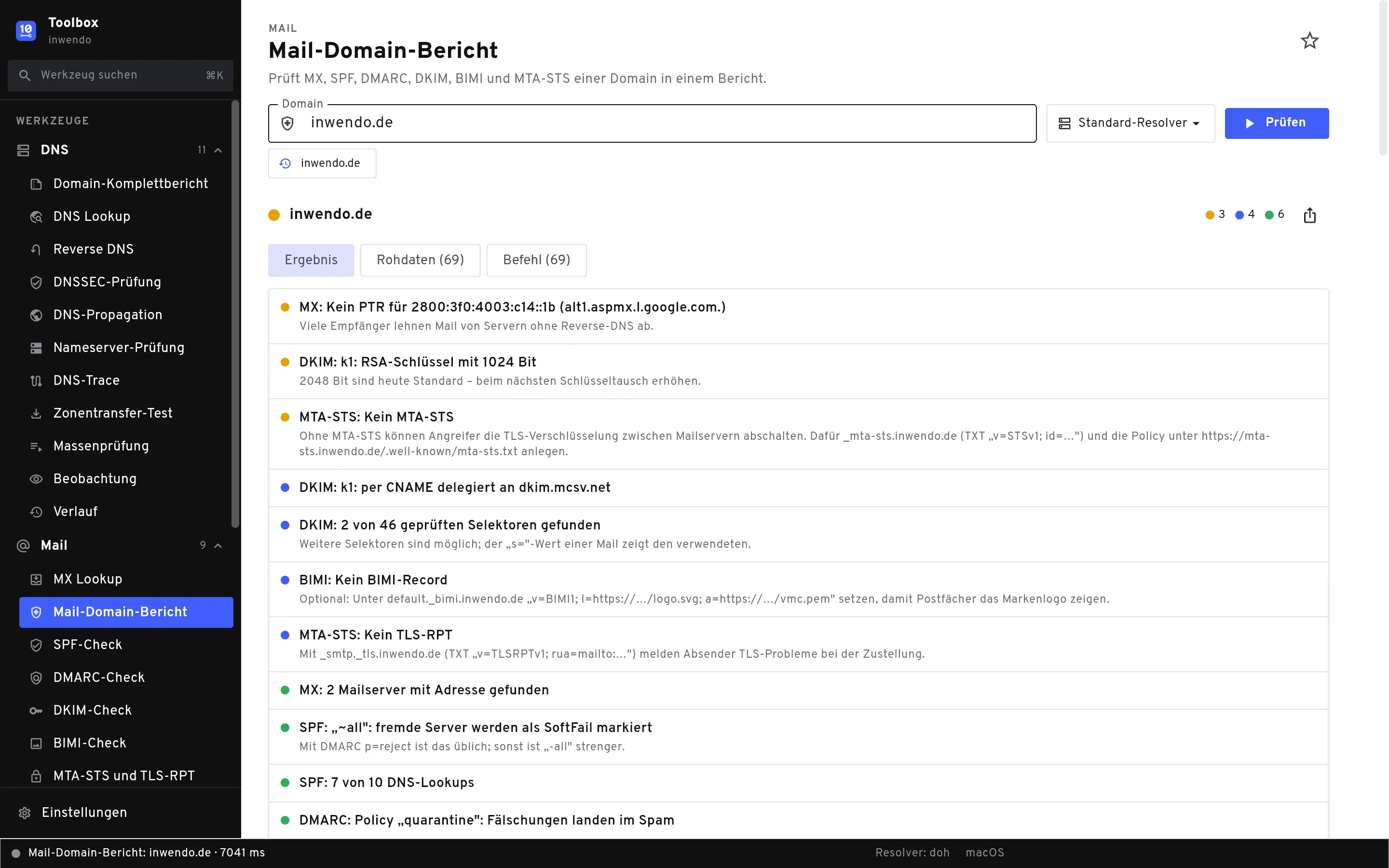
Launch the Toolbox from Applications or via Spotlight. On the left you find all tools by category, the search is at the top.
- 3
Check a domain
Open DNS Lookup, enter a domain and click Abfragen. With a licence, all other checks are open to you.
Updates arrive on their own
The Toolbox checks for a new version once a day. To check by hand, go to Einstellungen › Über › Nach Updates suchen.